
How to Get Rid of an Old TV or Computer: Costs, Laws and Data Safety
By Jim Stogiannos · August 13, 2026
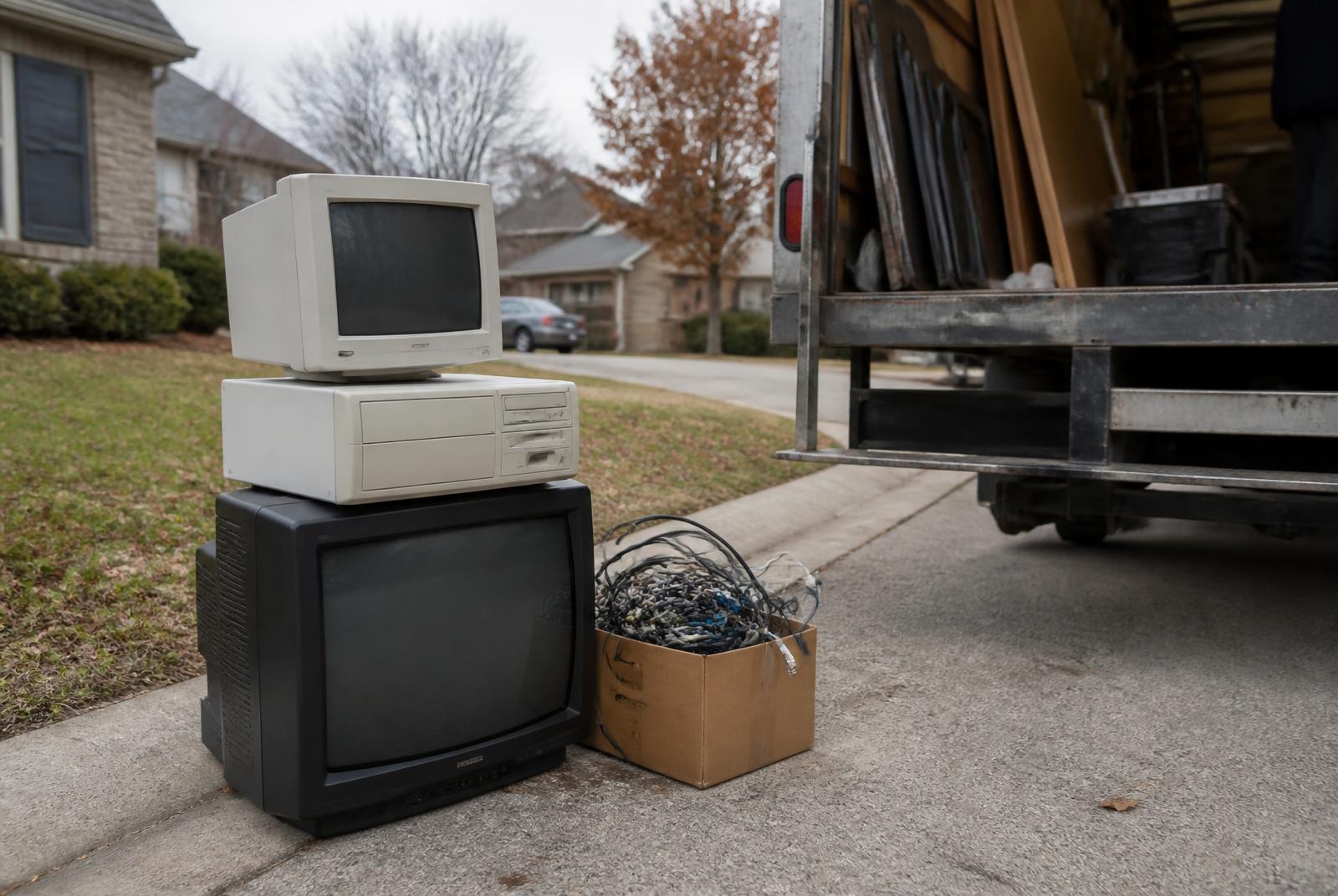
A single TV or computer picked up by a junk removal crew typically runs $25–$75 for a flat-screen and $50–$150+ for an old tube (CRT) set, since CRTs contain several pounds of leaded glass that has to be processed as hazardous waste rather than simply scrapped.
But before you put anything with a hard drive or a screen at the curb, there are two things worth knowing: in at least 25 states plus DC, tossing electronics in the regular trash is against the law, and anything with storage – a laptop, desktop, old phone, even a smart TV – still has your data on it until you deal with it.
Here is what electronics actually cost to get rid of, where they are legally allowed to go, and the two-minute step people skip that causes the most regret afterward.
Quick answer: cost by item
| Item | Junk removal/recycler cost | Free options |
|---|---|---|
| Flat-screen TV | $25–$75 | Yes – Best Buy or retailer haul-away with a new TV |
| CRT/tube TV | $50–$150+ | Rare – most charge a fee due to leaded glass |
| Desktop or laptop | $0–$40 | Yes – Best Buy, Staples, manufacturer take-back |
| Printer/small electronics | $0–$25 | Yes – most big-box electronics retailers |
| Monitor | $10–$40 | Yes – same as desktops; CRT monitors cost more |
One note on price: bundling electronics into a larger appliance hauling job or a household cleanout usually beats booking a separate electronics pickup, because haulers price by the space your load takes up in the truck rather than by the item.
Why you can’t just throw it in the trash
At least 25 states plus the District of Columbia have e-waste laws that ban electronics from regular trash and curbside collection. The rules vary widely: some states fund free recycling through a fee collected when you buy the device, some require manufacturers to run take-back programs, and some leave the whole thing to cities and counties.
Fines for violations are real, and for repeat offenses they can run into four figures. Two large states – Texas and Florida – do not have a statewide landfill ban, so there you have to check your city or county rules instead of assuming you are covered.
The reasoning behind the bans is straightforward. Electronics contain lead, mercury, cadmium and flame retardants that leach out of landfills over time. They also contain recoverable copper, gold and rare-earth metals that are worth pulling back out of the waste stream instead of burying.
The 5 ways to get rid of electronics
- Retailer take-back and recycling counters. Best Buy takes most electronics free at the customer service counter, up to three items per household per day. TVs are the exception – those usually need a paid haul-away tied to a replacement purchase. Staples offers similar free drop-off for smaller electronics.
- Manufacturer mail-back programs. Apple, Dell, HP and others run take-back or trade-in programs, and some will pay you for a working device.
- Municipal or county e-waste collection. Most counties run a permanent drop-off site or hold periodic free collection events, though CRT TVs sometimes still carry a small fee.
- Junk removal service. The least effort of any option: a crew handles a mixed pile – TV, laptop, cables, printer – in one trip. Best when you are clearing a whole room or office rather than dropping off a single item.
- Certified data destruction. For businesses or sensitive volumes, look for an R2 or e-Stewards certified recycler that provides a certificate of destruction.
Wipe your data before any of the above
A factory reset is not the same as truly erasing a drive. Spend the two minutes here, whichever disposal route you pick.
- Computers. Back up what you need, then use a full disk erase option – on Windows that is “Reset this PC” with the full data wipe enabled; on macOS it is “Erase All Content and Settings.” If you are not sure it went through, physically remove the old hard drive and keep or destroy it.
- Phones and tablets. Sign out of iCloud or your Google account before resetting, or the device can be left with an activation lock the next owner cannot clear.
- Smart TVs and streaming devices. Sign out of every linked account, then factory reset. Streaming boxes and smart TVs hold logged-in accounts and payment details.
- Anything you did not reset yourself. Ask the recycler or junk removal company about their data destruction process before handing it over.
Frequently asked questions
Is it illegal to throw away a TV or computer?
In at least 25 states and DC, yes – electronics are banned from regular trash under state e-waste laws, with significant fines for repeat violations. Check your specific state and city, since a handful of large states have no statewide ban.
How much does it cost to get rid of an old TV?
Roughly $25–$75 for a flat-screen via junk removal, and $50–$150+ for a CRT because of the leaded glass. It can be free through Best Buy or a municipal e-waste event.
Does Best Buy really take electronics for free?
Most electronics, yes – up to three items per household per day at the counter. TVs usually need a paid haul-away tied to a replacement purchase.
Is a factory reset enough to protect my data?
Not always. Use a full disk erase utility, or remove and keep the storage drive if you are not certain it was wiped completely.
What if I have a box of old cables, remotes, and small electronics?
Most retailer and municipal recycling programs take these free alongside larger items, so send them with the TV or computer rather than in the trash.
Related guides
Before you book a pickup, it helps to know what junk removal companies can and can’t take. If the electronics are coming out along with a fridge, washer or old AC unit, see the appliance hauling guide. And to price the whole load before you call, run it through the junk removal cost calculator.
Find a junk removal company near you and clear the electronics out in one trip.